

UPS protection
Short-term protection and clean shutdown for servers, switches and other critical equipment.
Identify which equipment must stay available and for how long, then plan backup power around real business priorities.
Business-led planning. Defined responsibilities. Connected expertise.
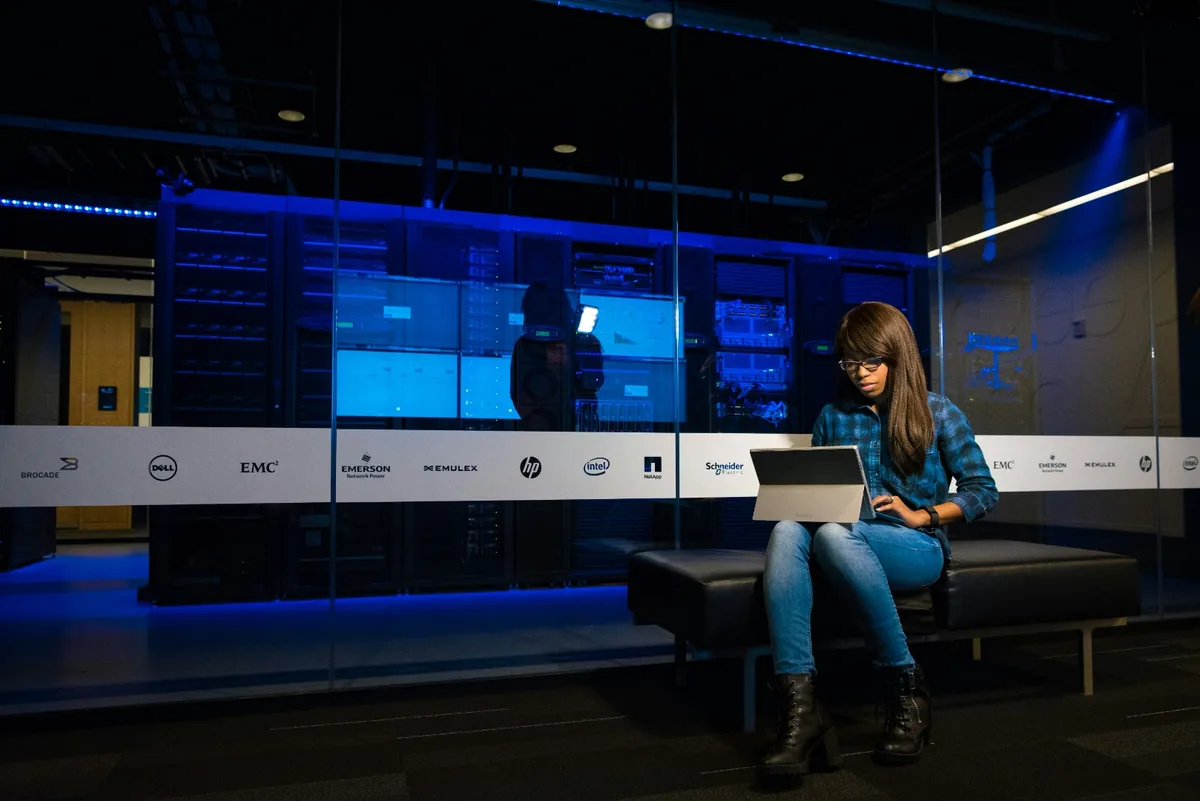
Power problems rarely announce themselves. Determine which systems need protection, and what the operational impact would be if they lost power: servers, networking, phones, point-of-sale or security systems.
A short power cut can corrupt data or stop an entire office, so protecting the right equipment is one of the most cost-effective resilience measures available.
Discuss UPS units, batteries, inverters or solar requirements within an appropriate installation scope. Sizing depends on load and the runtime you need, whether that is enough time for a clean shutdown or hours of continued operation.
Batteries age and loads change. Confirm maintenance, service conditions and equipment suitability so protection works when it is needed, not just on the day it is installed.
Common approaches to power continuity. Suitability depends on your site and requirements.
Short-term protection and clean shutdown for servers, switches and other critical equipment.
Longer runtime for sites that cannot afford extended outages.
Where appropriate, solar can reduce grid dependence and operating cost. Feasibility is assessed per site.
Measure what must be powered so that capacity is neither too small nor wasteful.
Notifications when power events occur or batteries need attention.
Scheduled checks and battery replacement so protection stays reliable.
List critical equipment, measure load and note site constraints.
Select suitable equipment and runtime targets.
Install, test and label, with a clear shutdown plan.
Schedule checks, firmware updates and battery replacement.
Runtime depends on the equipment’s load and the battery capacity. We calculate it based on your requirements, and you can choose between a clean shutdown window and extended operation.
Usually not. Priority is given to servers, network equipment and anything whose sudden loss would cause data loss or downtime.
It can be feasible for some sites, depending on roof space, load and budget. A site assessment is the first step.
Battery lifespan varies by type, temperature and usage. We recommend regular testing and a replacement plan agreed with the equipment supplier.
Understand the environment. Define the right support. Plan your next step.

