
Directory services
Centralised user accounts and group policy for Windows and other clients.
Review your current server roles and dependencies before deciding which services to consolidate and how to migrate them.
Business-led planning. Defined responsibilities. Connected expertise.
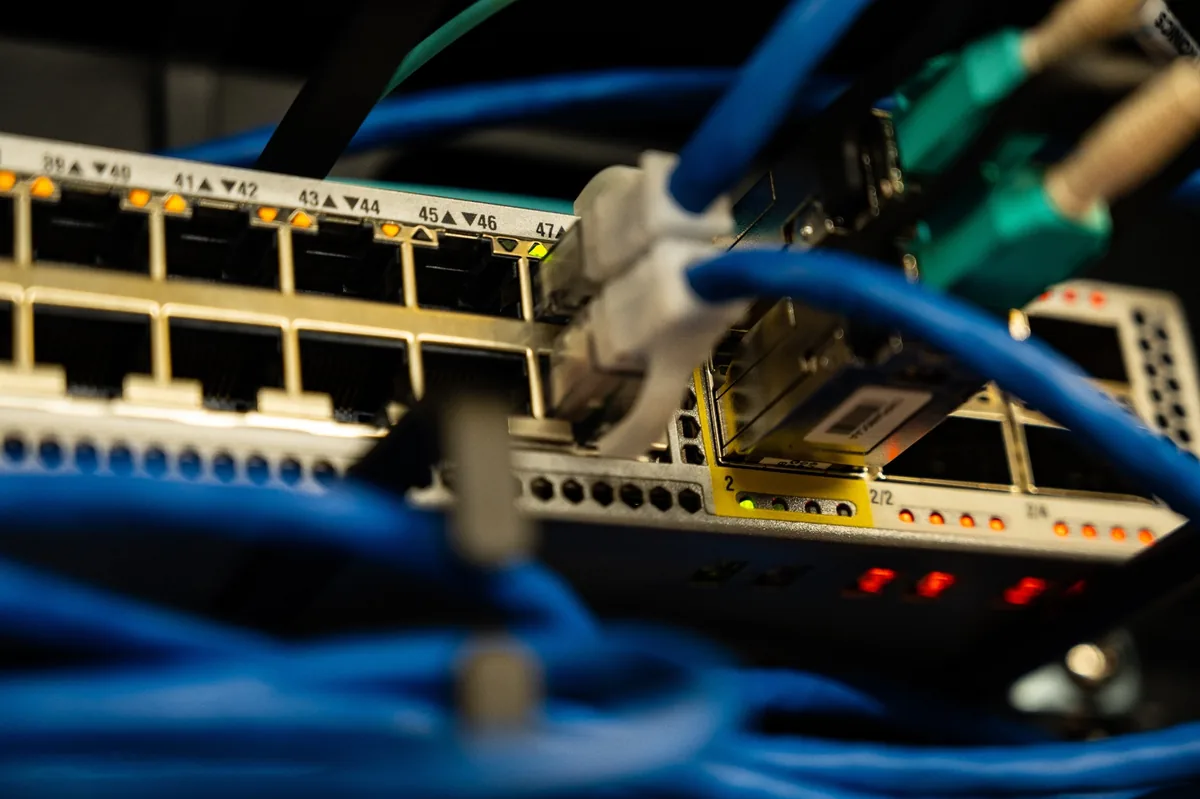
Zentyal is a Linux-based server platform aimed at small and medium organizations. It typically brings together directory and domain services, file and printer sharing, email, DNS, DHCP and gateway functions on a single, centrally managed system.
Lexium IT can discuss where Zentyal might fit as an infrastructure option, as referenced in the original site navigation.
Confirm the current offering, suitability and delivery scope. Server platforms need careful planning around users, data, backup, security and who will administer the system day to day.
A note on product details. Product names belong to their respective owners. Available features, editions and licensing change over time and depend on configuration, so they are confirmed against the vendor’s current offering during scoping, and are not a guarantee of service.
Capabilities commonly associated with the platform. Features depend on version and edition.
Centralised user accounts and group policy for Windows and other clients.
Shared folders with permissions based on users and groups.
Mail server functionality for organizations hosting their own email.
Network services that keep devices connected and named.
Perimeter functions that can protect the local network.
A clear approach to protecting server data and configuration.
Review users, data, applications and existing servers.
Confirm suitability, sizing, edition and migration approach.
Install, configure, migrate data and test with a pilot group.
Administer users, apply updates and monitor, with backups tested regularly.
It can suit smaller organizations that want an integrated server with a web-based management interface. Suitability is confirmed against your needs.
For some requirements, yes; for others, no. We compare options openly, including application compatibility.
Updates, patches and backups are planned as part of ongoing administration, with maintenance windows agreed with you.
Integration scenarios depend on your design. These can be explored during planning.
Understand the environment. Define the right support. Plan your next step.

