

Network design
Layouts that match how your offices and teams operate, with room for growth.
Plan switching, Wi-Fi and connectivity around real usage, from adding a few devices to opening another office or branch.
Business-led planning. Defined responsibilities. Connected expertise.
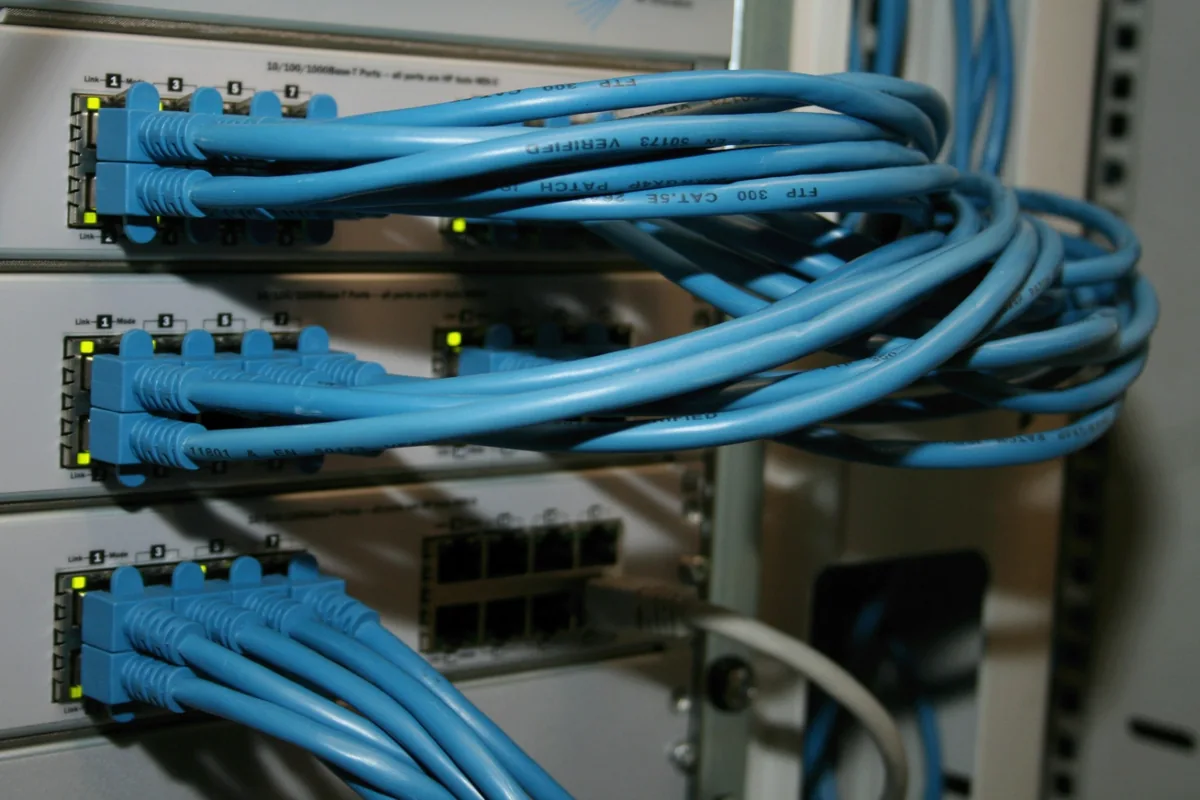
A network exists to serve the way people work. Before designing changes, review users, business processes, existing infrastructure and security requirements, so that new equipment solves real problems rather than adding complexity.
Reliable connectivity and clear communication tools underpin almost everything else the business does, from cloud applications to phones and video meetings.
A good network project looks beyond hardware. Include equipment, software, training, implementation and support in the scope, so there are no surprises after go-live and your team knows how to use what is installed.
Agree maintenance, troubleshooting, administration and service responsibilities after deployment. Networks change as organizations grow; having clear ownership keeps them tidy, documented and secure.
Typical elements of a network and communications project.
Layouts that match how your offices and teams operate, with room for growth.
Planned Wi-Fi with sensible capacity, coverage and guest separation.
Firewalls and separated network zones that limit the spread of problems.
Secure links between offices and safe connectivity for people working away.
Telephony and meeting tools that fit the way staff communicate.
Diagrams, addresses and configuration notes so the network can be supported by anyone.
Walk through sites, review existing equipment, usage patterns and pain points.
Propose a layout, equipment list and security model for approval.
Deploy and configure with minimal disruption, then test against agreed criteria.
Handover documentation and agreed maintenance, monitoring and troubleshooting.
Frequently. A review often finds targeted changes, such as access-point placement, switch configuration or segmentation, that deliver most of the benefit at lower cost.
Equipment, software, installation and support can be included in the project scope. Product choices are discussed with you based on requirements.
Guest access can be isolated from internal systems and configured with appropriate limits, so visitors get connectivity without access to company resources.
Yes. Multi-site design, secure links and consistent configuration can be included in scope.
Review cabling, switching and connectivity as part of your network requirements. Talk to Lexium IT about the environment your people and systems depend on.
Discuss your network requirements ↗
Understand the environment. Define the right support. Plan your next step.

