


Camera planning
Placement, field of view and lighting considered against what you actually need to see.
Bring cameras, access control, network capacity and power into one plan. Start with the areas you need to cover and how your sites operate.
Business-led planning. Defined responsibilities. Connected expertise.
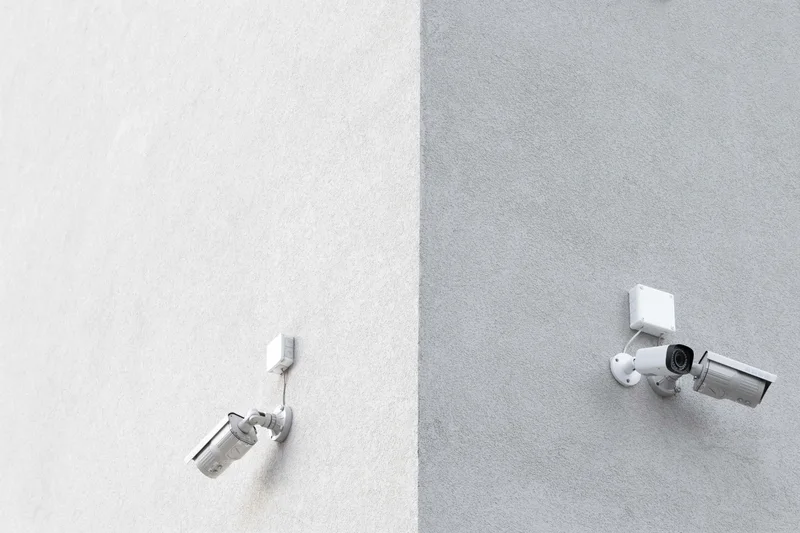
IP-based surveillance runs over the same kind of network as the rest of your technology. That makes planning important: review camera coverage, network capacity, power over Ethernet, UPS protection and controlled access to video systems before choosing equipment.
Done well, video systems become dependable and easy to administer. Done poorly, they can overload networks or become an unmanaged security risk.
Every site is different. Discuss internal, external and multi-site requirements, then select remote viewing, alerts and camera features that suit the use case rather than defaulting to the most expensive specification.
Access control determines who can go where, and when. Define individual access levels, schedules, authorized-user administration, installation and support responsibilities, so that granting and removing access is quick and auditable.
Privacy matters. Video surveillance and access records are often subject to privacy and data-protection obligations. Review signage, retention and access rules for your jurisdiction before installation.
Elements to consider when planning physical security on an IP network.
Placement, field of view and lighting considered against what you actually need to see.
Bandwidth, storage and switching sized for video, kept separate from business traffic where appropriate.
Cabling and PoE capacity planned so that cameras and access devices are powered reliably.
Secure viewing from authorised devices and alerts tuned to avoid constant false alarms.
Cards, tags or credentials with defined levels, schedules and straightforward administration.
UPS support so that recording and door control continue through short power interruptions.
Assess premises, risks, existing cabling and what must be monitored or controlled.
Propose camera positions, access points, network and power requirements.
Install, configure and test equipment, then brief the people who will use it.
Agree maintenance, user administration and what happens when something fails.
Often, but video can be demanding. We review capacity and recommend upgrades or separation where needed.
Access is limited to authorised users defined during setup. Retention and access practices are discussed with you, and should consider your legal and privacy obligations.
Multi-site administration is possible depending on the system selected. Requirements are reviewed during design.
With appropriate UPS protection, recording and door control can continue for a planned period. Runtime depends on the equipment and the capacity installed.
Understand the environment. Define the right support. Plan your next step.


